
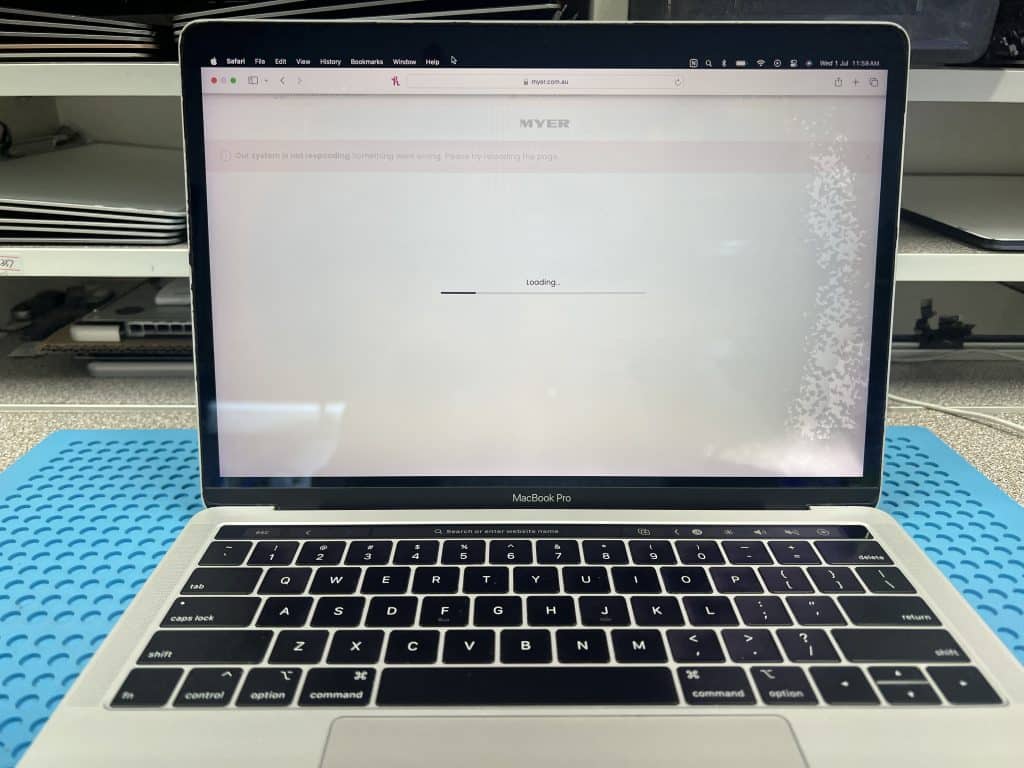


This 13-inch MacBook Pro 2019 came to us from Epping VIC 3076 after a bottle leaked inside a bag.
The MacBook had:
Water damage
No power
Important data inside
The customer wanted the data recovered first. If the repair cost was not too high, they also wanted the MacBook repaired.
With water damage, the first step should not always be plugging in a charger.
If liquid or corrosion is still on the board, power can make the damage worse. It can burn small components, damage the logic board and reduce the chance of data recovery.
For this MacBook, we started with:
This gave the best chance of saving the data.
After cleaning, we replaced 9 corroded resistors and capacitors around the USB-C control area.
The MacBook still did not turn on normally. The USB-C meter only flashed briefly and then went blank on all four ports.
A normal multimeter showed the main power rail was 0V, but oscilloscope testing showed the rail was actually trying to start for a very short moment, then shutting down.
That told us the board was not completely dead. It was starting and then immediately collapsing.
By following the power-on sequence, we checked the early power rails and found one 3.3V rail was shorted.
The faulty rail was:
PP3V3_G3H_RTCUsing controlled voltage injection and a thermal camera, we found CB300 heating up.
After removing and replacing CB300, the short was gone and the MacBook powered on again.
Once the MacBook was working again, the customer’s data could be accessed.
Final result:
MacBook working
Data recovery successful
This is why board-level repair can be very important for water-damaged Macs. If the data is inside the Mac, restoring the original board is often the best path to recovery.
A bottle leaking inside a bag can be worse than a simple spill on a desk.
When the bag moves, liquid can be pushed into:
In this case, the MacBook powered on again after repair, but the screen still had water marks.
If your MacBook has liquid damage:
Turn it off
Do not charge it
Do not shake it
Do not keep testing it
Bring it in for inspection as soon as possible
Trying to power it on repeatedly can make the repair harder and reduce the chance of saving the data.
This repair shows one example of how we help customers recover their Mac instead of replacing it. See more completed Mac repair cases here:
Successful Mac Repair Cases
If your MacBook is stuck at 5V, keeps restarting, will not charge, or only some USB-C ports work, contact IT-Tech Online before replacing the whole logic board.
We provide professional MacBook USB-C charging repair and logic board repair in Melbourne, with mail-in service available across Australia.