
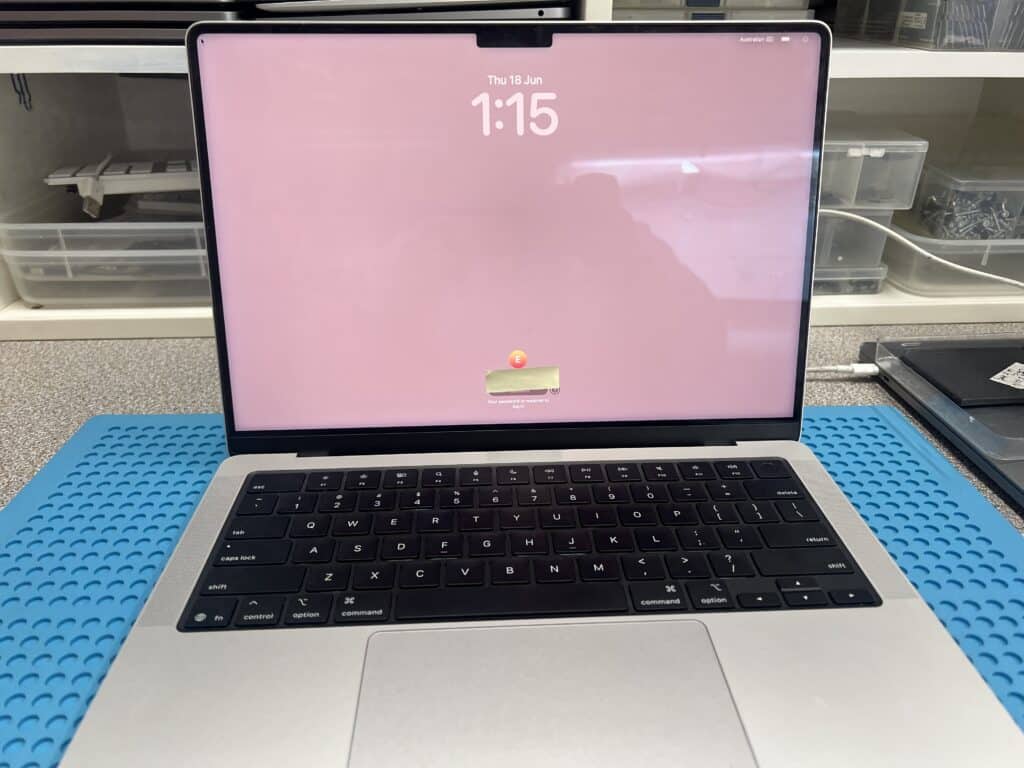


This 14-inch MacBook Pro M5 2025 came in from the Clayton VIC 3168 area after a water bottle opened inside a school bag.
The customer had already done the right thing by turning the MacBook upside down and leaving it off. It was also taken to a trusted local repairer, who advised that the main board likely needed replacement or repair.
When we received it, we treated it as a high-risk water-damage job and did not power it on immediately.
At first glance, the top of the logic board looked quite clean. But when we removed the board from the case, the underside showed severe water damage and corrosion.
This is a common problem with liquid-damaged MacBooks. The damage is not always visible until the board is removed. Liquid can sit underneath the board, under chips and around small components.
That is why simply drying the MacBook or cleaning only the visible side is often not enough.
A badly water-damaged MacBook should not always be connected to power immediately.
If there is corrosion or a short circuit on the logic board, powering it on too early can cause extra damage. It can burn components, damage power rails or make data recovery harder.
For this MacBook, we started with:
Only after the major short circuits were removed did we attempt a controlled power-on test.
After cleaning and testing, we found short circuits on important power lines.
Using safe voltage injection and a thermal camera, we located the hot components causing the shorts. Several damaged parts were removed, and the board was rebuilt with many replacement components.
In total, we replaced:
After this rebuild, the major short circuits were gone.
After the first repair stage, the MacBook still did not start normally. Two USB-C ports showed a repeating power pattern, and one port showed no current draw.
Under the microscope, we found small corrosion under the UF400 / SN2012024 USB-C control chip.
This chip was removed, reballed and reinstalled. After that, the MacBook powered on.
This was the turning point of the repair.
Once the MacBook could boot, we continued testing every function.
We found that the left-side sound was not working. After further board-level diagnosis, we replaced UR600, UR630 and UR660. Corrosion was found underneath the chips, and the sound issue was fixed after replacement.
We also found the lid angle sensor was not working. When the top case was closed, the MacBook did not go to sleep. After replacing the sensor, the sleep function worked normally again.
This repair shows why water-damaged MacBooks need careful board-level diagnosis.
The first visible problem was “no power”, but the full repair required several stages:
A complete repair is not just getting the MacBook to turn on. It also means checking that charging, sound, sensors and normal functions all work properly.
After full board-level repair:
This MacBook did not need a full main board replacement.
This repair shows one example of how we help customers recover their Mac instead of replacing it. See more completed Mac repair cases here:
Successful Mac Repair Cases
If your MacBook has water damage, no power, charging problems, sound issues or has been quoted for a whole logic board replacement, contact IT-Tech Online first.
We provide MacBook water damage repair and logic board repair in Melbourne, including advanced component-level repairs for severe liquid damage.