
15-Inch MacBook Pro USB-C Charging Repair
This 15-inch MacBook Pro came in with a USB-C charging fault. It stayed on 5V, kept restarting, and would not complete normal charging. After testing all four USB-C ports, we found one faulty charging-control chip on the logic board, replaced it, and restored the MacBook to full working condition.
- 15-inch MacBook Pro USB-C charging repair
- Stuck at 5V and restarting repeatedly
- One USB-C port behaved differently from the others
- Faulty charging-control chip found and replaced
- MacBook fully functional again
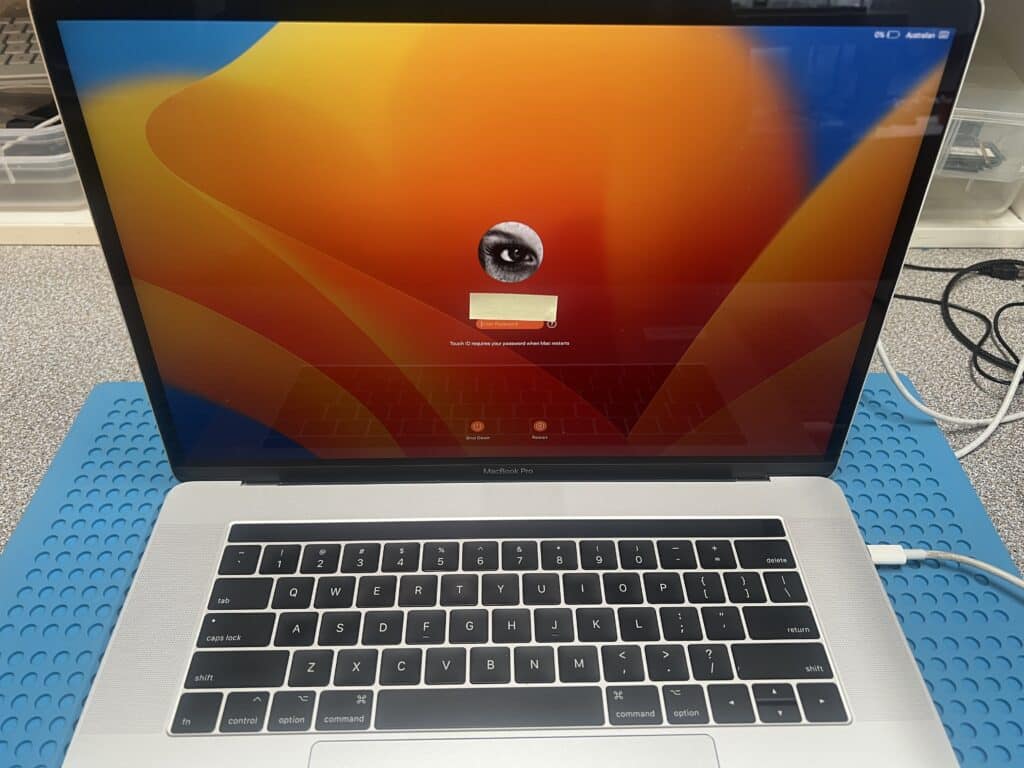
Quick Repair Summary
- Device: 15-inch MacBook Pro
- Model: A1707
- Logic board: 820-00928
- Fault: USB-C charging problem, stuck at 5V and restarting
- Diagnosis: One USB-C charging-control chip was faulty and getting hot
- Repair: Faulty chip replaced on the logic board
- Result: MacBook charging and working normally again
A MacBook Pro That Would Not Charge Properly
This 15-inch MacBook Pro A1707 came in with a power and charging fault. It would not start normally and kept restarting when connected to a USB-C charger.
With a USB-C power meter, three ports showed a repeating reading of 5V / 0.25A. One port showed a lower but stable reading of 5V / 0.16A. That difference became an important clue.
Why the Stable USB-C Port Was Suspicious
At first, the stable port may look like the better port because it is not restarting. In this case, it was the opposite.
The other three ports were all behaving the same way: they tried to start the MacBook, then the machine restarted. The one port that stayed at a lower stable current was not joining the normal start-up process, so we focused on that USB-C circuit first.
On this MacBook model, every USB-C port has its own small control chip. All four ports need to communicate correctly before normal high-voltage charging can be trusted.
Finding the Faulty Charging-Control Chip
We used a thermal camera to check the board while it was powered. The camera showed that one small USB-C control chip, marked UB400, was getting hot.
A board measurement then confirmed the problem: the small 3.3V power line for that chip was shorted. Before the repair, the reading was 0.09. After replacing the faulty chip, the reading returned to 0.432, which confirmed the short had been cleared.

Board-Level Repair, Not a Charger Problem
This fault was not caused by the charger or cable. The problem was a failed chip on the MacBook logic board.
We removed the faulty UB400 / CD3215C USB-C control chip and replaced it with a good one. After the repair, the MacBook completed normal charging behaviour and powered on successfully.

The Result: Fully Working Again
After replacing the faulty USB-C control chip, the MacBook was tested again through the USB-C ports. The machine started normally, charged correctly and returned to full working condition.
- USB-C charging restored
- Restarting fault fixed
- Faulty logic board chip replaced
- MacBook fully functional again
Why This Repair Matters
Some MacBook charging faults look like a bad charger, bad USB-C cable or dead logic board. In many cases, the actual fault is one tiny chip on the board.
Board-level repair can save the original logic board, reduce unnecessary replacement cost, and help keep the customer’s MacBook running without replacing the whole board.
We regularly repair MacBook and iMac faults that other repairers may consider too difficult. See more real customer repair examples on our case study page:
Successful Mac Repair Cases
USB-C Charging Fault? We Can Help.
Need Help With a MacBook USB-C Charging Fault?
If your MacBook is stuck at 5V, keeps restarting, will not charge, or only some USB-C ports work, contact IT-Tech Online before replacing the whole logic board.
We provide professional MacBook USB-C charging repair and logic board repair in Melbourne, with mail-in service available across Australia.
Why Customers Trust IT-Tech Online
IT-Tech Online specialises in MacBook logic board repairs, water damage repair, USB-C charging faults and advanced diagnostics.
We repair many problems that are often quoted elsewhere as full board replacements.