
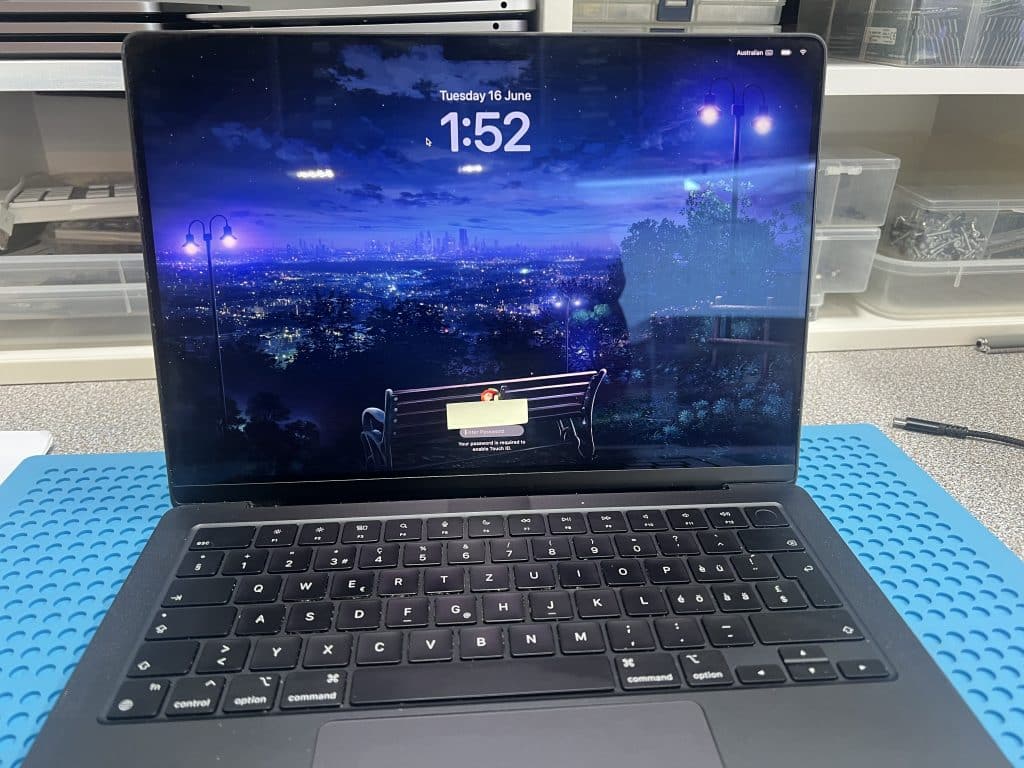


This 14-inch MacBook Pro M4 2024 came to us from a computer shop in the northern suburbs area after a screen replacement went wrong.
The MacBook originally had a broken screen, but it could still power on. After the replacement screen was fitted, the MacBook no longer powered on.
The first USB-C meter reading was:
5V / 0.5A stableThat meant the MacBook was receiving some power but was not starting normally.
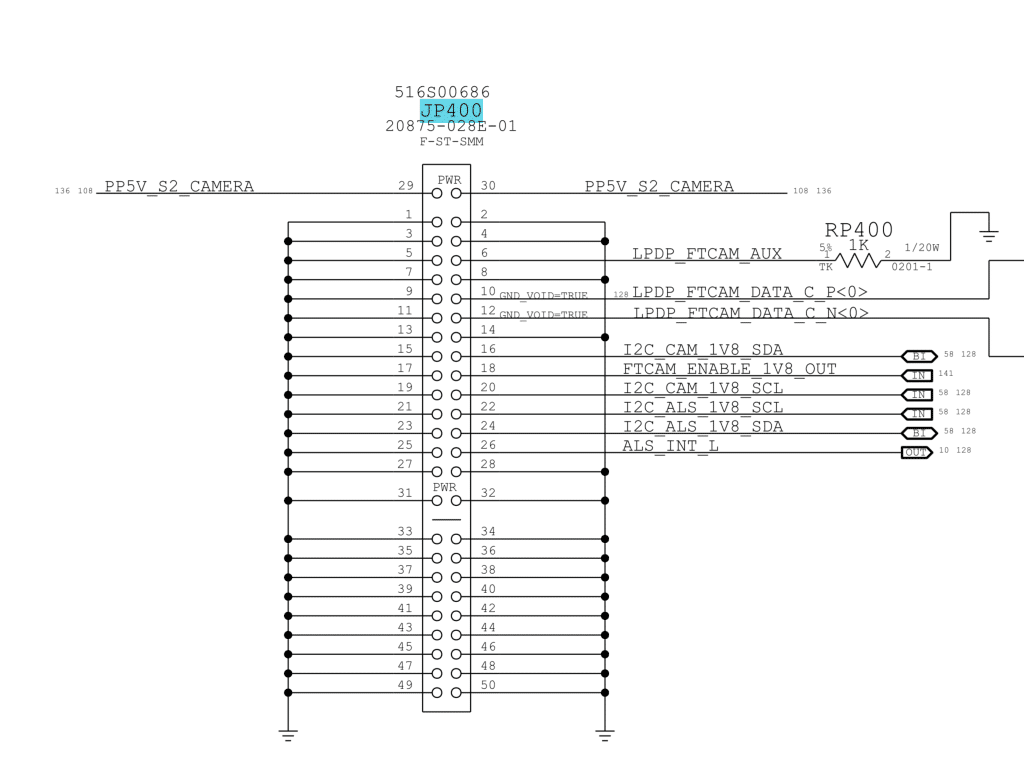
Because the MacBook stopped working immediately after a screen replacement, we checked the screen connector and camera-related circuit first.
The replacement screen used the same physical connector, but that does not always mean it is safe to use.
On this newer M4 MacBook Pro, Apple changed the camera / webcam circuit design. Older M1–M3 style screens may look like they fit, but the pin wiring is not the same.
In this case, the replacement screen connected two pins together that should not be connected together on the M4 board.
The older screen design had two connector pins tied to the same 5V camera power rail.
But on the M4 board:
One pin is 5V
The other pin is 1.8V
The wrong screen effectively pushed 5V into a 1.8V circuit. That damaged the logic board and caused a short.
After the damage, the MacBook would not boot and stayed at 5V / 0.5A on the USB-C meter.
We tested the damaged rail and found that one connector pin was shorted.
Then we carefully injected 1V into the shorted rail to find the damaged component. The faulty chip UD950 became hot, which confirmed the fault location.
After replacing UD950, the MacBook powered on and worked again.
This case is a strong warning for newer MacBook screen replacements.
A screen can physically plug in and still be the wrong part electrically. On newer M4/M5 MacBooks, the webcam and sensor wiring can be different from older models.
Using the wrong screen can damage the logic board.
For screen replacement on newer MacBooks, the part must be checked by model and generation, not just by connector shape.
After the repair:
This repair shows one example of how we help customers recover their Mac instead of replacing it. See more completed Mac repair cases here:
Successful Mac Repair Cases
If your MacBook is stuck at 5V, keeps restarting, will not charge, or only some USB-C ports work, contact IT-Tech Online before replacing the whole logic board.
We provide professional MacBook USB-C charging repair and logic board repair in Melbourne, with mail-in service available across Australia.