820-02757 A2918 No Power Repair – UF400 and UF500 CD3217B13 Replaced
Fault Description
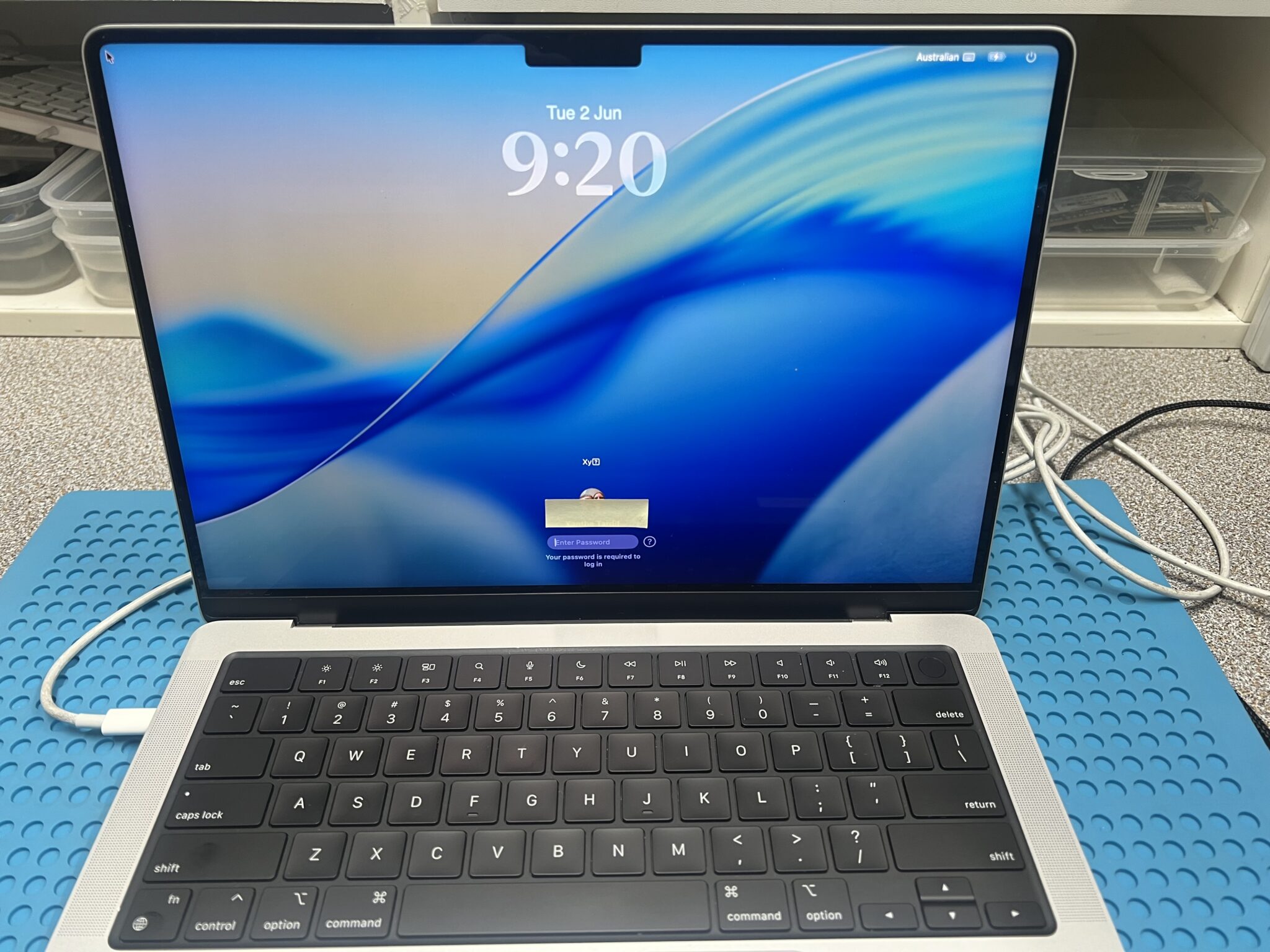
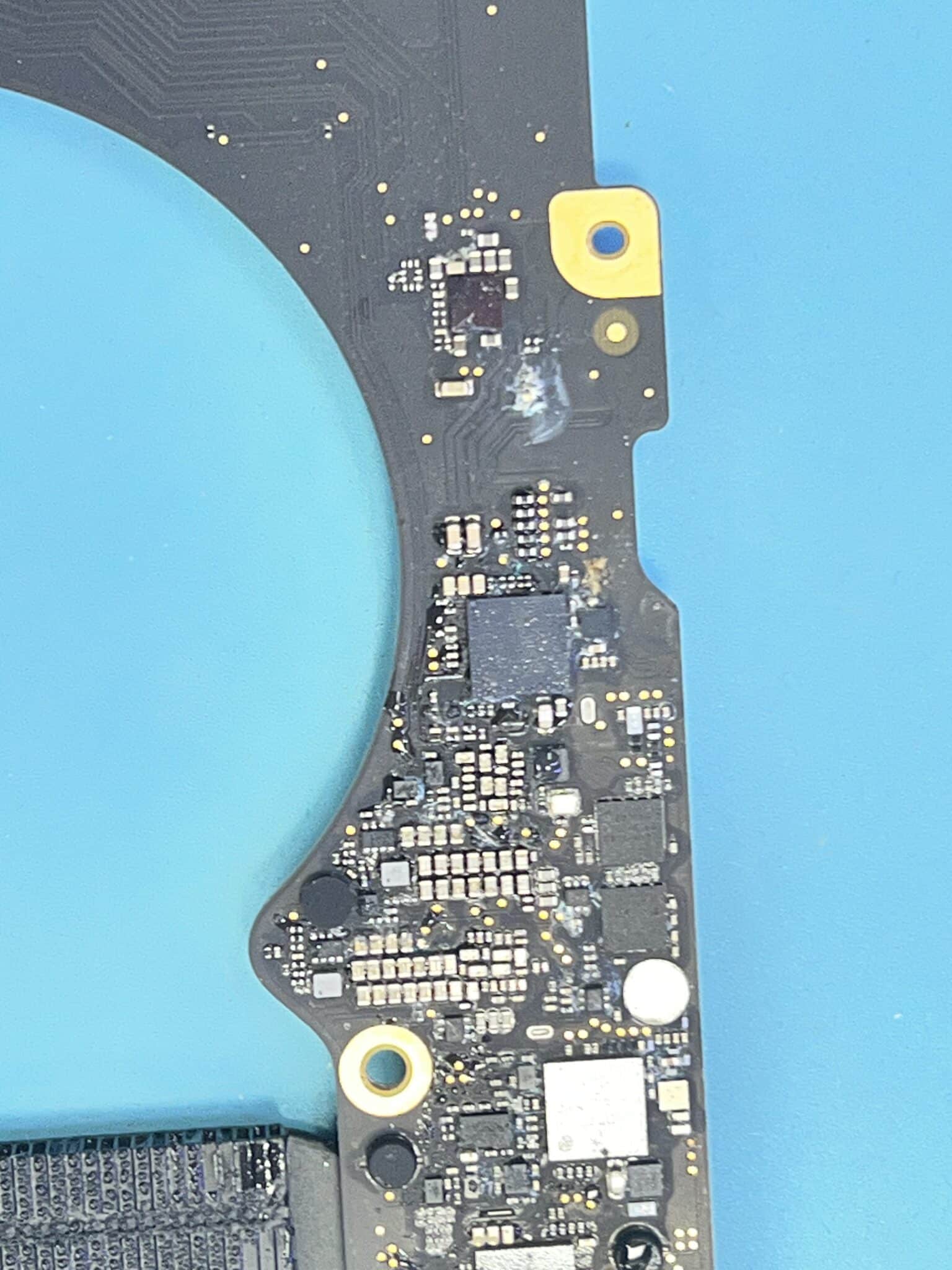
This 14-inch MacBook Pro A2918 with logic board 820-02757 came in with water damage and no power.
Initial USB-C meter readings were different between the two ports:
USB-C port 1: 5V / 0.0A stable
USB-C port 2: 5V / 0.3A stable
The board did not negotiate 20V and had no normal startup behaviour.
Initial Symptom
The first important clue was that the two USB-C ports did not behave the same.
One port showed:
5V / 0.0A stableThe other port showed:
5V / 0.3A stableA port sitting at 5V / 0.0A usually means the charger is detected at a very basic level, but the USB-C controller on that side is not waking or communicating correctly. The board is not pulling meaningful current and cannot move forward in the power sequence.
The other port at 5V / 0.3A showed more activity, but still no 20V negotiation. So the board had more than a simple single-port charging issue.
Measurements Table
| Test Point / Observation | Reading | Result |
|---|---|---|
| USB-C port 1 | 5V / 0.0A stable | Not OK |
| USB-C port 2 | 5V / 0.3A stable | Partial activity |
| PPBUS_G3H | 0V | Not OK |
| FF200 pin 1 / PPDCIN_USBC_AON | 0V | Not OK |
| After replacing UF400 | Both ports 5V / 0.3A | First fault improved |
| CF508 pin 1 / PP3V3_UPC1_LDO | 0V | Not OK |
| Final repair | UF500 replaced | Fixed |
| Final result | MacBook working | OK |
Why UF400 Was Replaced First
The diagnosis started with the missing main input path.
Because PPBUS_G3H = 0V, the board had no main always-on power rail. Before checking later power rails, the first question was whether USB-C input power was entering the board correctly.
The measurement at FF200 pin 1 / PPDCIN_USBC_AON was:
PPDCIN_USBC_AON = 0VThat means the board was not receiving the expected USB-C input power on the AON input path.
With one port showing 5V / 0.0A and PPDCIN_USBC_AON missing, the most logical suspect was the USB-C/PD controller or input control path for that side. In this case, UF400 was replaced first.
After replacing UF400, the behaviour changed:
Both USB-C ports = 5V / 0.3AThat confirmed UF400 had been part of the fault. The first dead-looking port was now showing activity, but the MacBook still did not fully start, so diagnosis continued.
Why UF500 Was Replaced Next
After UF400 was replaced, both ports now showed 5V / 0.3A, but the board still did not complete normal power-up.
The next clue was:
CF508 pin 1 / PP3V3_UPC1_LDO = 0VThis rail is a local 3.3V LDO rail for the USB-C controller area. If this LDO rail is missing, the controller cannot operate correctly, even if the charger is connected and the port shows some current draw.
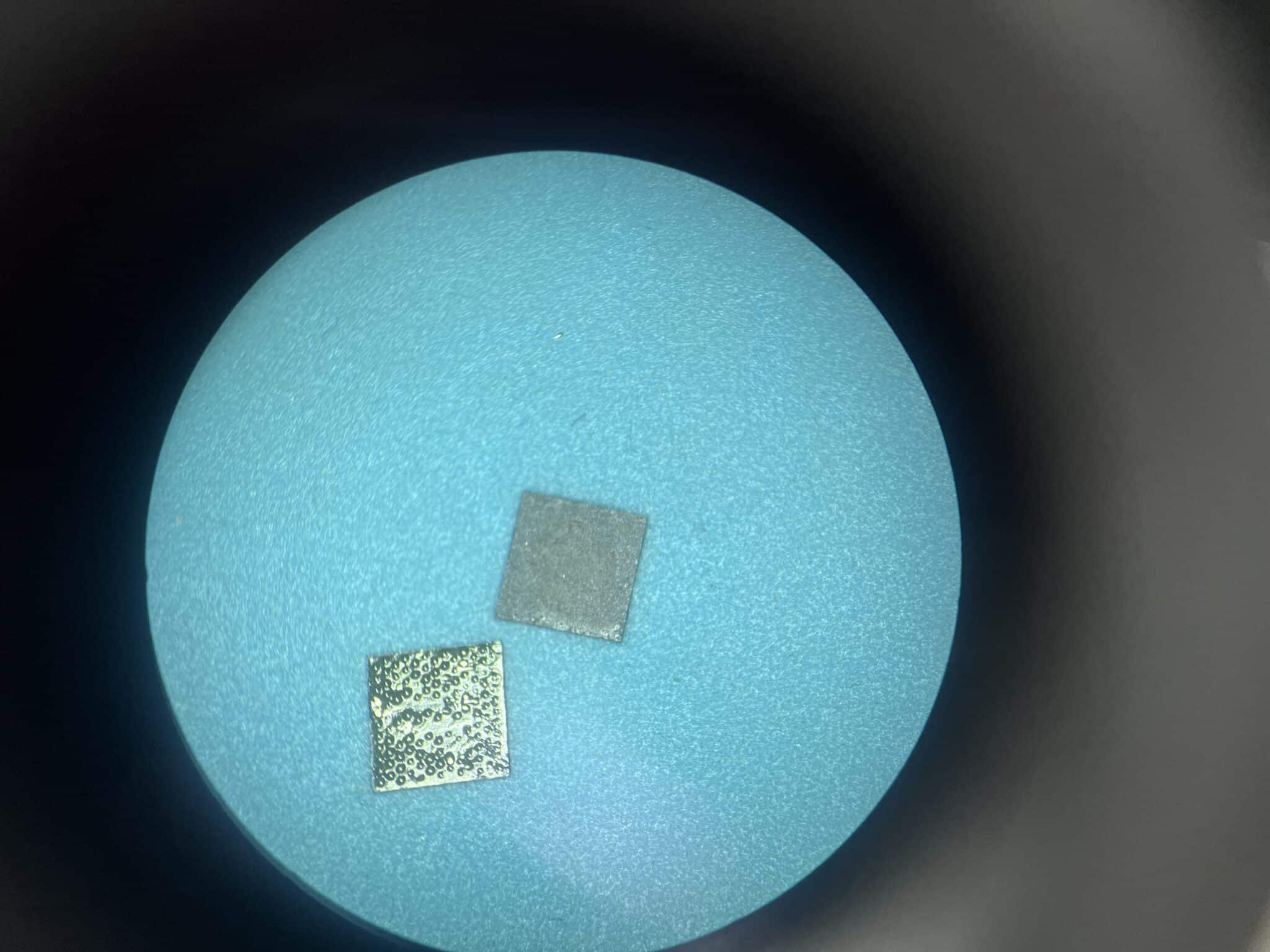
Because PP3V3_UPC1_LDO was 0V, the next logical suspect was the second USB-C controller area. Replacing UF500 restored the missing controller support rail and the MacBook powered on.
Circuit Logic
The fault was not solved by checking only one USB-C port. The board had a staged failure:
Stage 1:
Port 1 = 5V / 0.0A
PPDCIN_USBC_AON = 0V
PPBUS_G3H = 0V
→ UF400 suspected and replaced
After UF400 replacement:
Stage 2:
Both ports = 5V / 0.3A
Still no full startup
PP3V3_UPC1_LDO = 0V
→ UF500 suspected and replaced
The important reasoning is that USB-C current behaviour changed after UF400, proving the first repair moved the board forward. But because the second USB-C controller support rail was still missing, the board could not complete the next stage.
Final logic:
UF400 restored the dead input-side behaviour.
UF500 restored the missing USB-C controller LDO rail.
Both faults had to be repaired before the MacBook could work.
Repair Timeline
| Step | Result |
|---|---|
| Customer reported water damage and no power | Confirmed |
| USB-C port 1 tested | 5V / 0.0A stable |
| USB-C port 2 tested | 5V / 0.3A stable |
| Checked PPBUS_G3H | 0V |
| Checked FF200 pin 1 | PPDCIN_USBC_AON = 0V |
| First fault direction | UF400 / USB-C input path |
| Replaced UF400 | Both ports changed to 5V / 0.3A |
| Checked CF508 pin 1 | PP3V3_UPC1_LDO = 0V |
| Second fault direction | UF500 / USB-C controller LDO fault |
| Replaced UF500 | MacBook powered on |
| Final test | MacBook working |
Key Lesson
When a MacBook has water damage and no power, the USB-C meter reading can show which part of the power path is alive.
In this case:
5V / 0.0A on one port
PPDCIN_USBC_AON = 0V
PPBUS_G3H = 0V
pointed to the first USB-C controller/input-side fault, so UF400 was replaced.
After that, both ports improved to:
5V / 0.3Abut the board still did not start. The next missing clue was:
PP3V3_UPC1_LDO = 0VThat pointed to the second controller-side fault, so UF500 was replaced.
The key lesson is that water damage can create multiple partial faults in the USB-C power path. One replaced chip may move the board forward, but the repair is not complete until the next missing rail is found.
Final Fix
The final repair was:
- confirmed water damage and no power;
- tested both USB-C ports;
- found one port at 5V / 0.0A and one at 5V / 0.3A;
- confirmed PPBUS_G3H was 0V;
- confirmed PPDCIN_USBC_AON was missing at FF200 pin 1;
- replaced UF400;
- both ports improved to 5V / 0.3A;
- confirmed PP3V3_UPC1_LDO was missing at CF508 pin 1;
- replaced UF500;
- MacBook powered on and worked normally.
Case Summary
| Item | Details |
|---|---|
| Device | MacBook Pro 14-inch |
| Model | A2918 |
| Logic board | 820-02757 |
| Customer fault | Water damage, no power |
| Initial USB-C port 1 | 5V / 0.0A stable |
| Initial USB-C port 2 | 5V / 0.3A stable |
| PPBUS_G3H | 0V |
| FF200 pin 1 / PPDCIN_USBC_AON | 0V |
| First faulty area | UF400 |
| After replacing UF400 | Both ports 5V / 0.3A |
| CF508 pin 1 / PP3V3_UPC1_LDO | 0V |
| Second faulty area | UF500 |
| Repair | Replaced UF400 and UF500 |
| Final result | MacBook working |
This technical note is part of our Mac logic board repair case study collection, where we document real component-level faults, measurements and repair outcomes. View more here:
Mac Logic Board Repair Case Studies
Need Board-Level Mac Repair?
MacBook USB-C and CD3217 Repair
We specialise in MacBook logic board repair, USB-C charging faults, CD3217 controller replacement, water damage repair and component-level diagnostics.